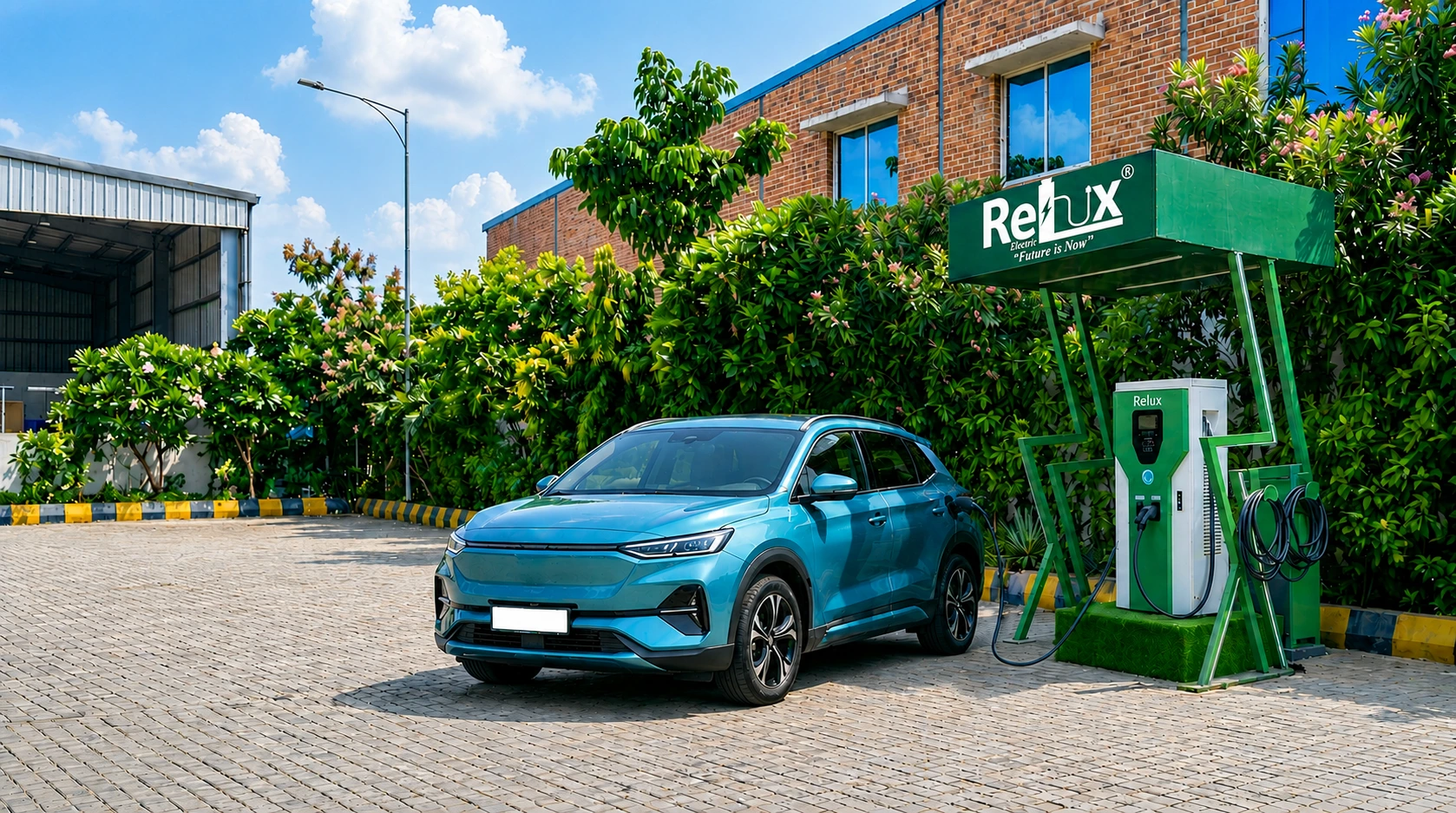
Charging guide
How to charge your EV at a Relux station
Six steps from finding a charger to paying per kWh — plus RFID, AutoCharge and what to do if a charger isn't working.
Get the Relux appStep by step
Step 1
Find a station
Open the Relux Electric app or the station map on reluxelectric.com. The map shows real-time availability (Available, In Use or Offline), distance and pricing; for road trips use Route Search to see every Relux station between your start and destination.
Step 2
Sign up and add your car
Enter your mobile number and email, complete OTP verification and add your vehicle details to your profile.
Step 3
Top up your wallet
Open Wallet, enter an amount and pay by UPI, credit/debit card, net banking or an external wallet.
Step 4
Plug in and start
Connect the CCS2 (DC) or Type 2 (AC) connector to your car, then start the session by scanning the charger's QR code, selecting the charger in the app, tapping your RFID card, or simply plugging in if AutoCharge is set up.
Step 5
Monitor the session
The app shows live charging status and notifies you when charging is done.
Step 6
Stop and pay
Stop any time from the app — you are billed only for the units (kWh) used. The session summary shows units, duration and the amount charged, and invoices are in Transaction History.
Faster ways to start a session
QR code
Scan the QR code on the charger with the Relux app and confirm the session.
RFID card
Order an RFID card in the app, assign it by scanning its QR code, then just tap it on the charger. Lost cards can be deactivated with OTP.
AutoCharge
Register your car's charging port once in the app; after that, charging starts automatically when you plug in — no app or QR needed. RFID and AutoCharge can be used on the same car.
Good charging habits
- Use DC fast charging on trips and AC for daily top-ups — DC is fast, AC is gentler and cheaper to install at home.
- Charge to around 80% on fast chargers; the last 20% is slower and occasional fast charging is safe for the battery.
- Move your car once the session ends so the next driver can charge.
- Check the station's status in the app before you set off, especially at night or on highways.
Frequently asked questions
What is the tariff for charging?
Charged per unit (kWh), shown in the app before you start.
How long does it take to fully charge my EV?
AC charging: 3–20 hours. DC fast charging: 80% in 20–60 minutes.
What's the difference between AC and DC charging?
AC is slower, good for daily use. DC is fast, best for highway trips.
Can I stop a session before it's complete?
Yes, stop anytime from the app. Billed only for units used.
Does frequent fast charging harm my battery?
Occasional use is safe. Avoid charging to 100% often for best battery health.
What is AutoCharge?
AutoCharge allows you to start charging sessions automatically when you plug in, without needing to open the app or scan a QR code.
What is RFID, and how do I get one?
Order RFID through the app.
What should I do if a listed station isn't working or is unreachable?
Report it via 'Report an Issue' on the station page, or contact Relux support directly for immediate assistance.
What happens if my payment fails during wallet top-up?
If the amount is deducted but not credited to your wallet, it will be auto-reversed to your bank account, or refunded after verification by support.
Are Relux charging stations available for 2-wheelers?
No, Relux charging stations currently support 4-wheelers only. AC charging uses Type 2 connectors, and DC fast charging uses CCS2 connectors.
Ready to charge?
Find the nearest Relux station and check live availability.